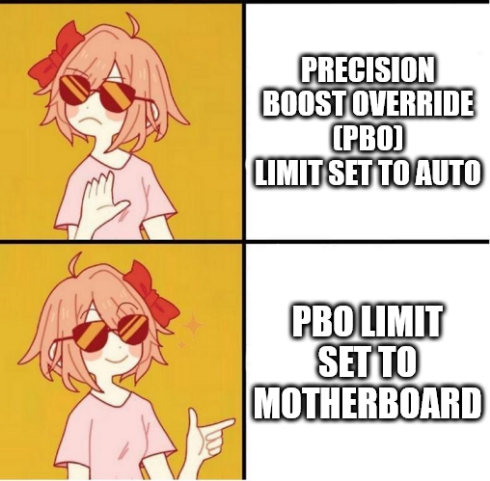
@transcendentempress We actually took some screenshots when we last did it, solely so we could make this meme 🤭
Under an MSI motherboard with up-to-date UEFI / BIOS firmware, it should be as follows: Settings Advanced AMD Overclocking Click on Accept AMD Overclocking (again) Precision Boost Override Change from Auto to Advanced PBO Limits Change from Auto to Motherboard
@SleepyCatten Thanks for the explanation! And what does it change exactly in daily usage? I'm still struggling to understand the ins and outs of these settings on Ryzen processors.
@transcendentempress It depends on your processor and motherboard, but basically it increases the power limit that the processor can use.
By default, all Ryzen processors have a fixed power cap. This limits their frequency boosting capability, but keeps power usage down.
For example, our Ryzen 9 5900X has a TDP (Thermal Design Power) limit of 105W. With the auto setting, the motherboard will ensure that the processor doesn't draw more power than this.
If you have a lower-end and/or older motherboard, changing this to motherboard will likely not make any real-world difference. However, if you have a higher-end and/or newer motherboard, it can allow a lot higher power usage.
We've got an MSI B550 Tomahawk motherboard. By changing the PBO Limit setting from Auto to Motherboard, it allows the maximum power to jump up to ~225W: roughly 114% higher (x 2.14). This allows the maximum clock speeds to go much higher, which makes the processor noticeably faster, especially in all-core workloads.
Edit: Corrected power figure from ~179.5W to ~225W. In reality though, under heavy use, it's likely to settle around 200-205W.
@transcendentempress We don't use Ryzen Master ourselves: it's all just done by the motherboard at hardware level. It's possible that you might need to change settings in Ryzen Master, but it's actually not needed to configure auto overclocking.