User avatar
Océane @oceane@peculiar.florist
2y
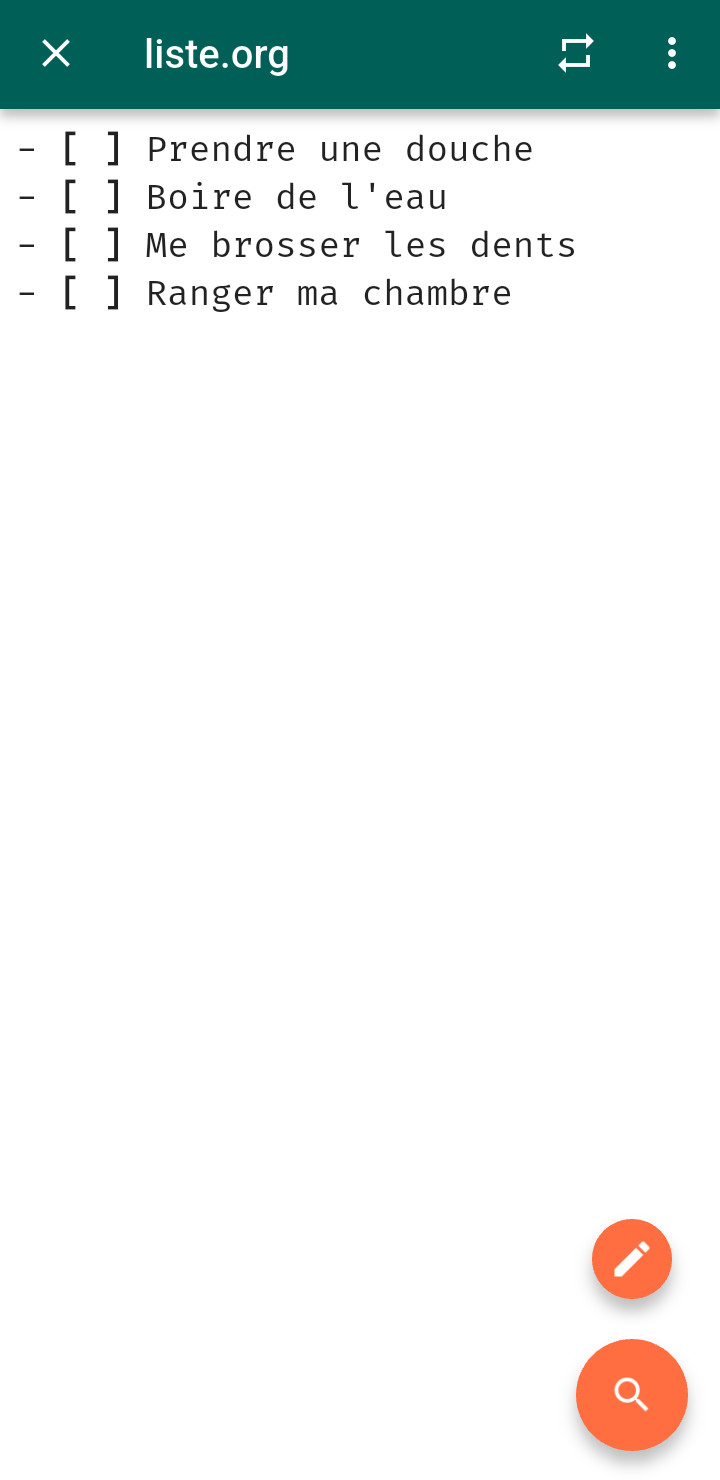
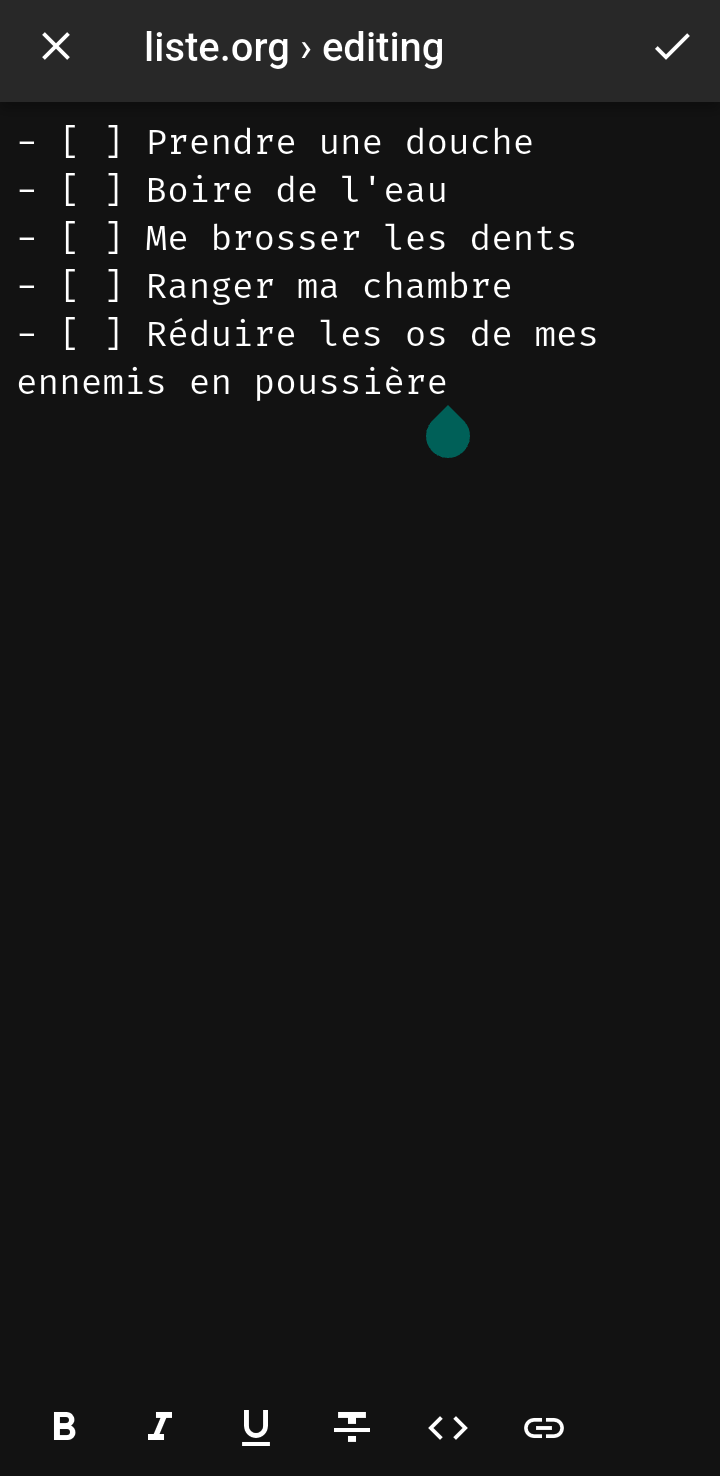
On peut désormais modifier une liste dans Orgro.

⭐2
1
1
0
2

User avatar
Océane @oceane@peculiar.florist
2y
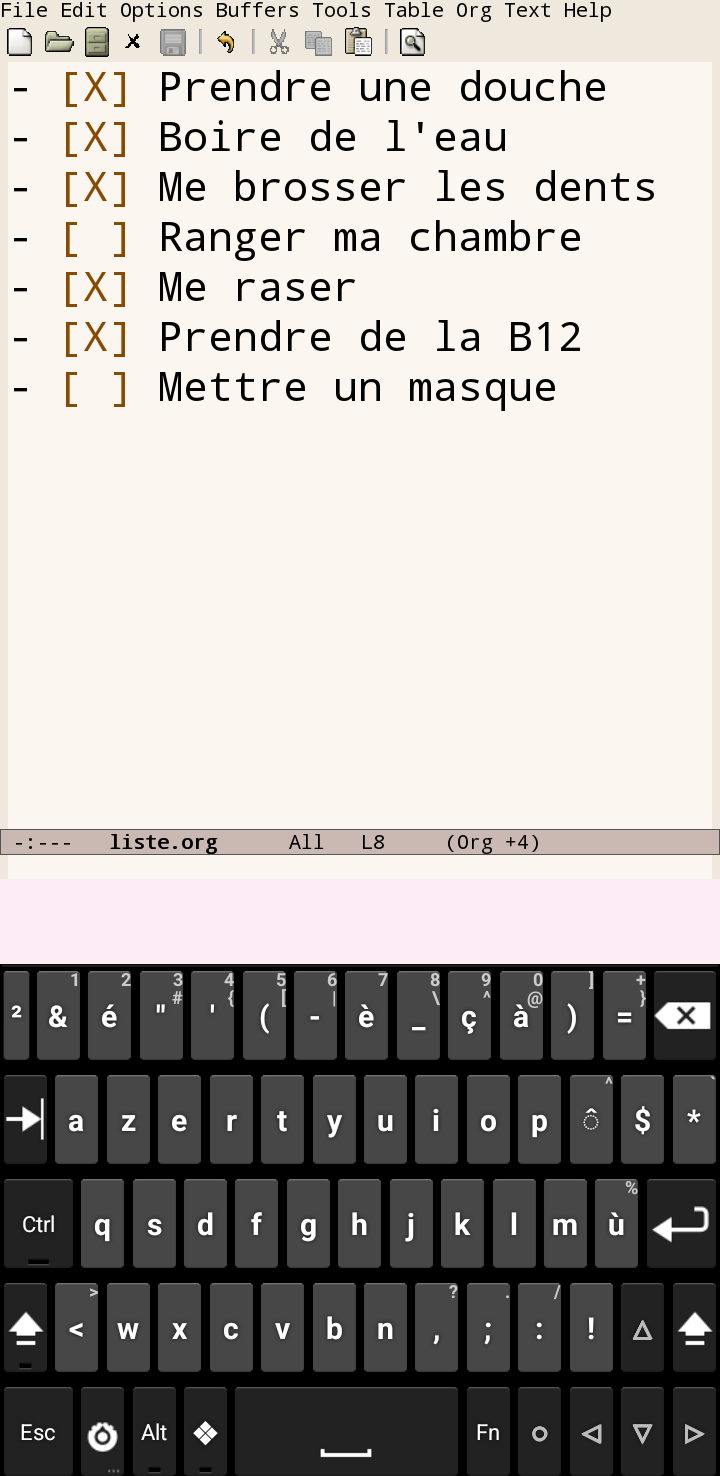
tech Maaaais ça ne marche pas, donc retour aux bonnes vieilles méthodes

(Le Hacker Keyboard a toutes les touches tab, ctrl, alt
etc.)
1
0
0
0
User avatar
Aaron “Abolish ICE” Madlon-Kay @amake@mastodon.social
2y
tech @oceane Machine translation is telling me that editing a list in Orgro didn't work for you? Can you elaborate?
1
0
0
0
User avatar
Océane @oceane@peculiar.florist
2y
@amake Hi, thank you for the support!

It doesn't save the file. I've disabled the reader mode but the changes are reset every time the app is suspended by Android.

I checked with Emacs and the changes aren't saved (from Orgro) in Emacs either. It works by editing the file in Emacs.

Would you like a proper bug report in GitHub? (I'd have to create an account but I can do this tonight?)
1
0
0
0
User avatar
Aaron “Abolish ICE” Madlon-Kay @amake@mastodon.social
2y
@oceane If you're not on GitHub then I can help here 🙂

Reader Mode is purely visual; it has no effect on saving.

How are you opening the file? If you aren't choosing the file from within Orgro (e.g. opening from another app via an intent) then Orgro knows it can't save changes.

When Orgro knows it can save changes it will ask for permission to save with this banner. Did you see this? If you've answered Never in the past, you can reset with ⋮ > Clear cache from the top screen.
0
0
0
0